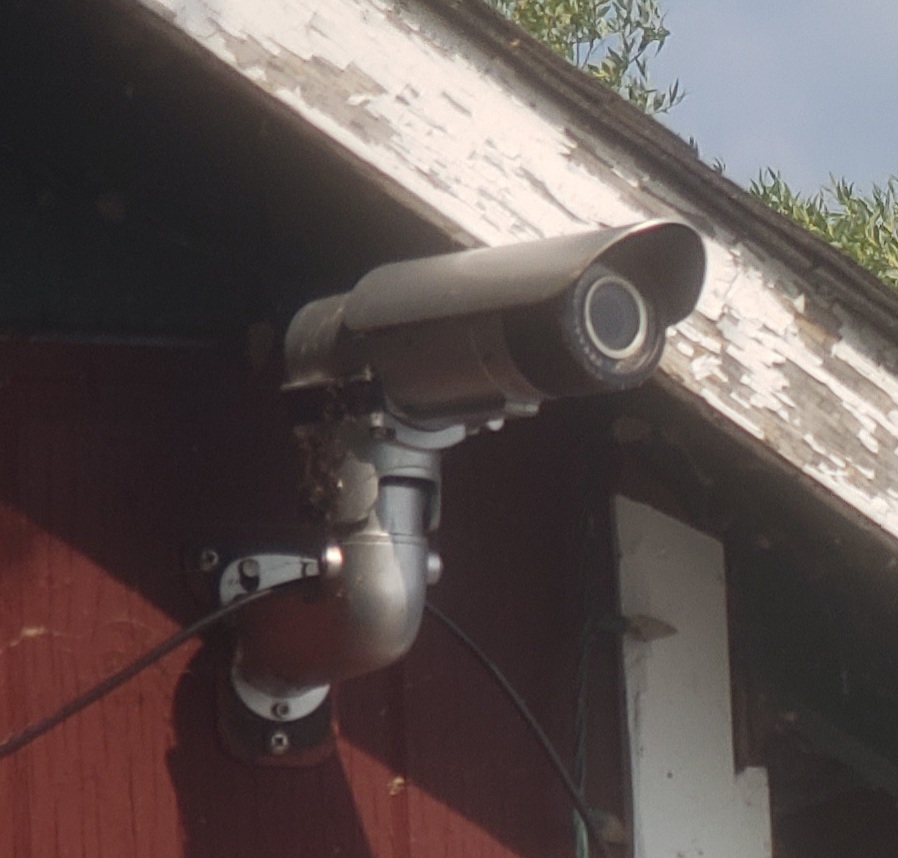
There is a Brickcom webcam (Malacam) located on the dock house, aimed out over the lake. Its job is to send periodic snapshots of the lake to the lake association website so members can view lake and ice conditions throughout the year.
Starlink is the (new) ISP and the account utilizes CGNAT which means port forwarding is no longer an option. Therefore the Malacam, which is an IP camera, can no longer be managed remotely using a browser. A workaround was developed using a pi local to the webcam.
Problem: the Malacam is located remotely and often unattended. When there is a power failure the Malacam has sometimes lost its configuration, or refocuses the camera into an unfocused state. It leaves the camera not able to send snapshots out, or sending out unfocused snapshots. The camera cannot be managed remotely to correct the settings because port forwarding is not available through Starlink.
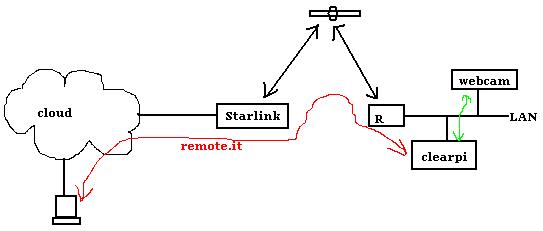
Solution: raspberry pi to the rescue. Clearpi is co-located in the dock house and on the same router as the Malacam. php scripts on clearpi can directly POST and GET to the HTTP API in the Malacam to manage the configuration. Clearpi can be accessed remotely using remote.it. Also, a cronjob is setup in clearpi to run at 9am everyday and will command the Malacam to refocus.
Complications: The Malacam is a Brickcom camera dated around 2011 and is no longer supported by Brickcom. The camera API documentation was incomplete, although it showed some control and status details, it was missing details on how to use the API to focus or zoom the camera. A later version of the API illustrated focus and zoom commands but they were for some later version of camera firmware, and therefore did not work on the Malacam. Through a bit of reverse engineering, TCP traffic was captured and examined and the exact focus and zoom command variable names and values were determined and used to build a php script on the clearpi to allow focus and zoom of the camera.
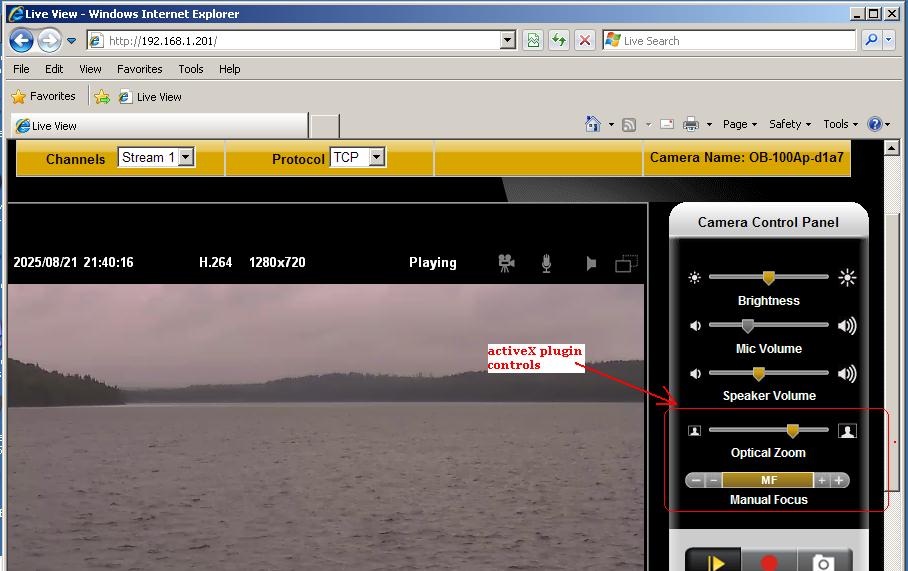
TCP capture setup: The only known method of zooming or focusing the camera was to pull out (this is August 2025 now) an old D600 Dell laptop running WinXP, Internet Explorer, and the Brickcom ActiveX plugin and browse to the IP camera on the LAN. Then use the GUI to click focus and zoom buttons. During this time windump was running on the laptop and managed to capture TCP packets that contained the focus and zoom commands destined to the camera. These packet captures revealed the command details missing from the API documentation.
